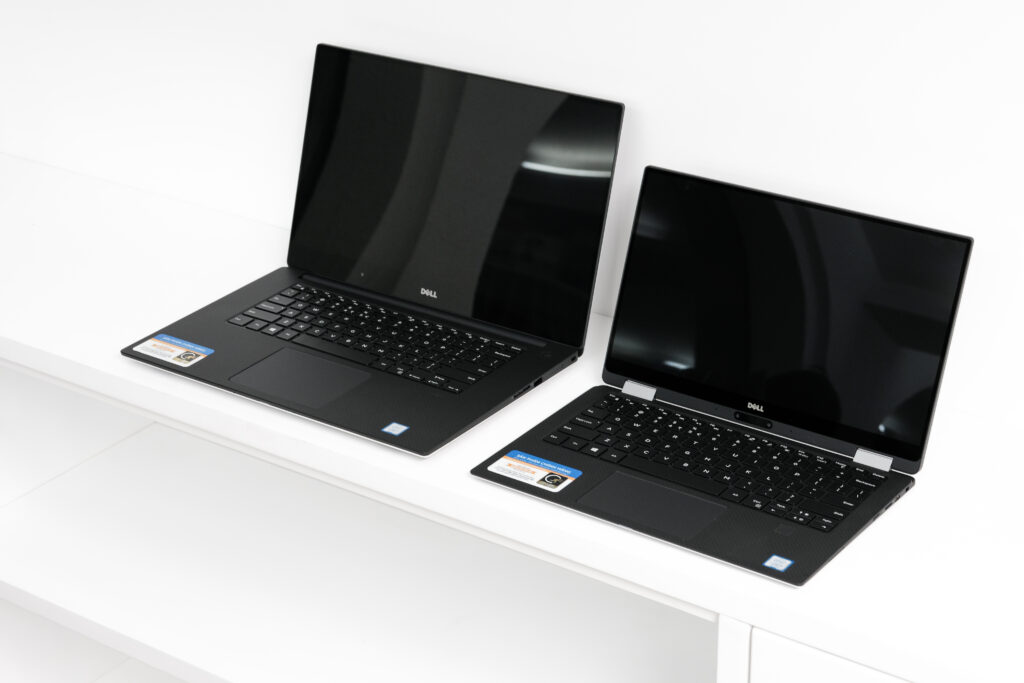
Two similar lids can hide two different purchases
A second-hand listing may show a slim aluminium laptop, an XPS badge and an attractive price. That is not enough information to judge it. The XPS name spans different sizes, years and configurations. Start by asking for the exact model and a specification summary from the actual machine, rather than accepting a description copied from a similar listing.
Dell’s UK support system identifies products using a Service Tag or other product identifier. Use the appropriate support record to establish the machine’s documentation and available support options. Keep identifying information within the seller and support process; there is no reason to publish it in a public discussion.
Build a short evidence sheet
Record the model, processor, installed memory, storage capacity, display specification and operating system. Then note the seller, the included charger, any repair history and the stated battery condition. A missing item is a question to resolve, not permission to assume the more favourable answer.
Look up the documentation for that exact generation. Port arrangements, display options and component access can differ. Avoid buying an adaptor, dock or replacement part solely because its description says XPS. Match the relevant model and compatibility information before spending money.
Inspect the parts that daily use makes obvious
Examine the display against a light and dark background, check the hinges through their normal range and try every key you rely on. Use the trackpad, camera, speakers and wireless connection. If an in-person inspection is possible, connect a device to each port you expect to use, with the seller’s agreement.
Ask for a realistic account of battery condition and whether the battery has been replaced. Manufacturer claims for a new machine cannot describe the runtime of an older example. If the seller cannot provide a useful condition report, allow for uncertainty in your budget rather than converting an old advertising figure into an expectation.
Pay attention to the complete charging setup
Confirm which charger is included and whether it is suitable for the exact laptop. Check the condition of the cable and connector. If the machine will spend most of its time on a desk, ask how your existing monitor and dock will connect, and verify whether the required cable is part of the purchase.
For travel, weigh the practical setup rather than the laptop alone. A bargain becomes less convincing if it needs a replacement charger, a new battery and several adaptors immediately. Put those likely costs beside the asking price before comparing it with another used or refurbished computer.
A refurbisher and a private seller are different propositions
Read the seller’s actual condition grading and what it covers. Photographs should show the unit being offered, including damage or wear. Establish the terms for returns, faults and support with that seller; do not assume that Dell’s original sales arrangements transfer to every resale purchase.
Before handing over payment, ask the seller to demonstrate that the device can be prepared for a new owner without a previous user’s account or organisation preventing normal setup. Do not accept a promise to remove a restriction later. If an ownership or management issue remains unclear, choose a different listing.
What makes a used XPS worth considering?
A well-documented example can suit a buyer who values its particular screen, construction and portability, with realistic expectations about its age. It is less appealing when the main attraction is an impressive family name attached to incomplete information. Choose the individual machine: the correct configuration, verifiable condition and a seller whose terms you understand.
Sources: Dell UK: Contact Technical Support; Dell UK: Consumer information. Checked 22 October 2026. Product ranges and service terms can change.
More considered stories,
from the Liberad journal.