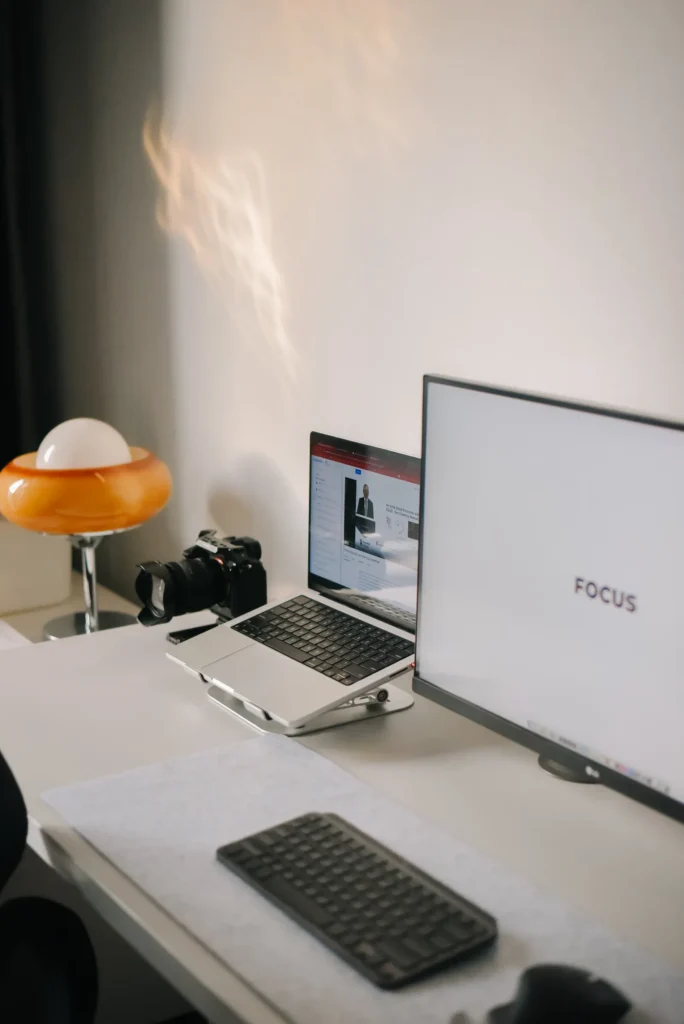
A desk can be beautifully photographed with the keyboard pushed aside, the chair missing and the only cable hidden outside the frame. The same arrangement may be awkward for a full working day. Begin with the occupied desk: you, the task you perform most often and the equipment you actually need within reach.
Clear the surface before buying organisers
Remove items that belong elsewhere, then group what remains by frequency of use. Keep daily input devices and a small writing area accessible. Put occasional accessories in storage that you can open without moving the monitor. This gives you a real brief for organisers instead of buying containers that preserve an unhelpful arrangement.
Notice how the desk changes during a normal day. A place that must support papers, calls and meals needs a different reset routine from a dedicated studio. Leave space for the temporary item rather than filling every centimetre with decorative objects. A clear landing area can be more valuable than a matching set of trays.
Arrange the workstation as a whole
The Health and Safety Executive’s display-screen checklist considers the screen, input devices, furniture and environment together. Use that broader view rather than assuming one ergonomic-looking accessory fixes the arrangement. If you are an employee, raise assessment and equipment needs through your employer’s process where applicable.
Check the relationship between chair, desk, keyboard and screen before deciding on a monitor stand. If you raise a laptop, consider how you will use a separate keyboard and pointing device. Raising the display while continuing to reach upward to its keyboard can exchange one awkward position for another. Individual requirements differ; persistent discomfort deserves appropriate assessment rather than a decorative workaround.
Watch the light through the day
Examine the screen in the morning and afternoon. A pleasing window view can also produce reflections or a strong contrast behind the display. Try a change of angle or position before buying a brighter lamp. Consider whether blinds, a different lamp position or a clearer working area would address the actual problem.
Use task lighting for the part of the desk where you read or write. Check for glare on both paper and screen and avoid placing a bright exposed source directly in your normal line of sight. A lamp’s appearance while switched off is only part of the choice. Controls should be easy to reach and the base should leave enough working space.
Make cables serviceable, rather than invisible at any cost
Group cables so they do not snag, stretch across your movement or prevent the desk being cleaned. Keep access to plugs and connections you may need to change. Follow equipment instructions and do not cover vents or trap power supplies inside an unsuitable decorative box. A little visible cable is preferable to an arrangement you cannot inspect or maintain.
Label similar chargers and check which one belongs to each device. If a shared desk is used by more than one person, decide where each person’s accessories are stored. A simple basket or drawer can make a daily changeover easier than a highly fixed layout. The tidiest system is the one that can be reset without a lengthy ritual.
Give the visual choices a narrow brief
Once the working arrangement feels sensible, repeat a small number of colours or materials. A warm wooden surface, a dark lamp and one muted storage finish can provide coherence without replacing functional equipment. Leave one meaningful object in view if you enjoy it, and make sure a plant or framed print does not steal the space needed for the task.
Finish with a two-minute reset: clear cups, return loose tools, put tomorrow’s first task where you can see it. Revisit the arrangement after a week of use. The calmest desk is not a still life kept untouched. It is a space that remains understandable when work is happening.
More considered stories,
from the Liberad journal.